Export from MetaTrader 4
Save a detailed HTML report from the MT4 terminal's Account History and import it in one step.
- 1
Open Account History
In the MetaTrader 4 desktop terminal, open the Terminal panel (Ctrl+T) and switch to the Account History tab.
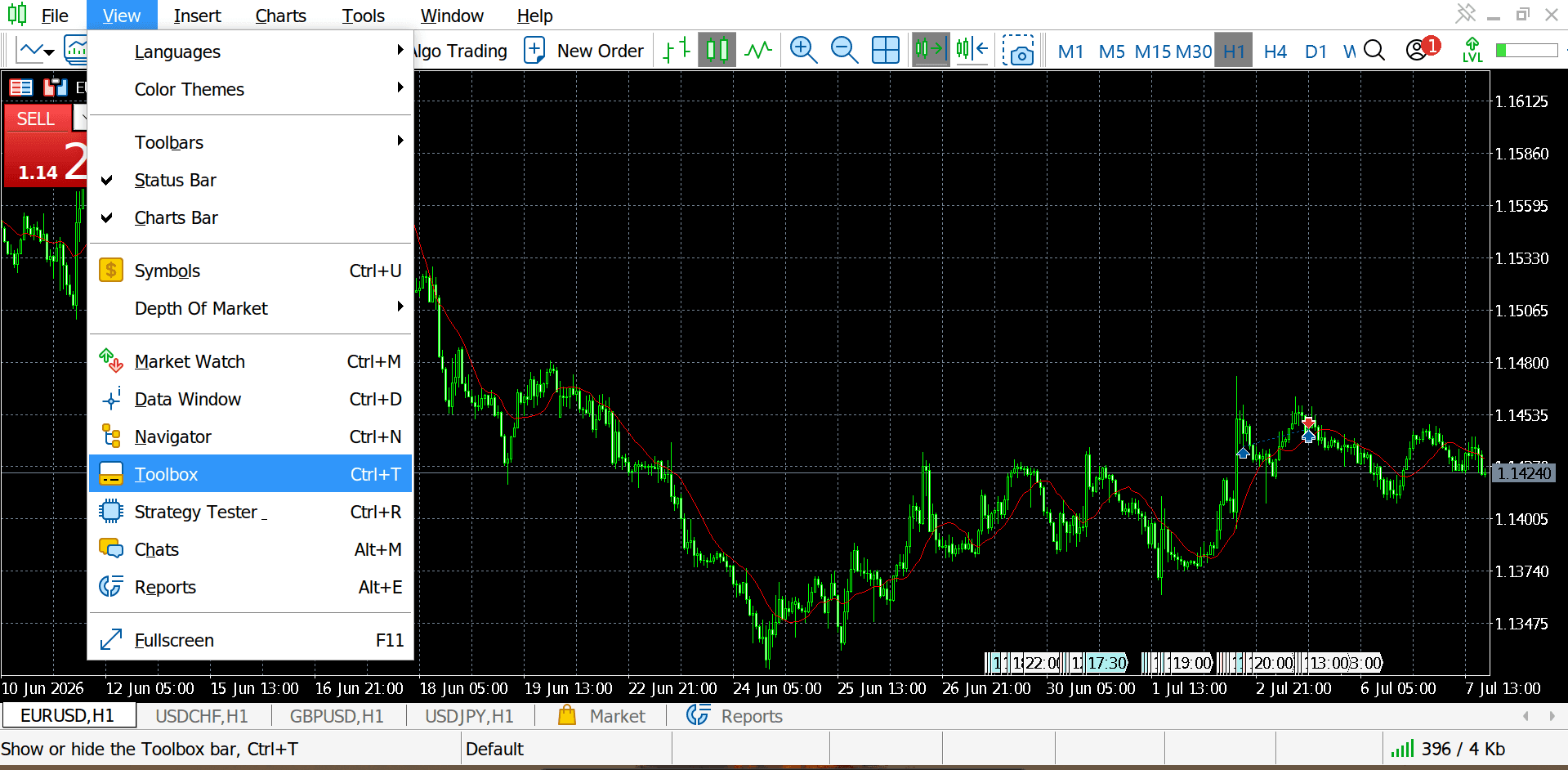
- 2
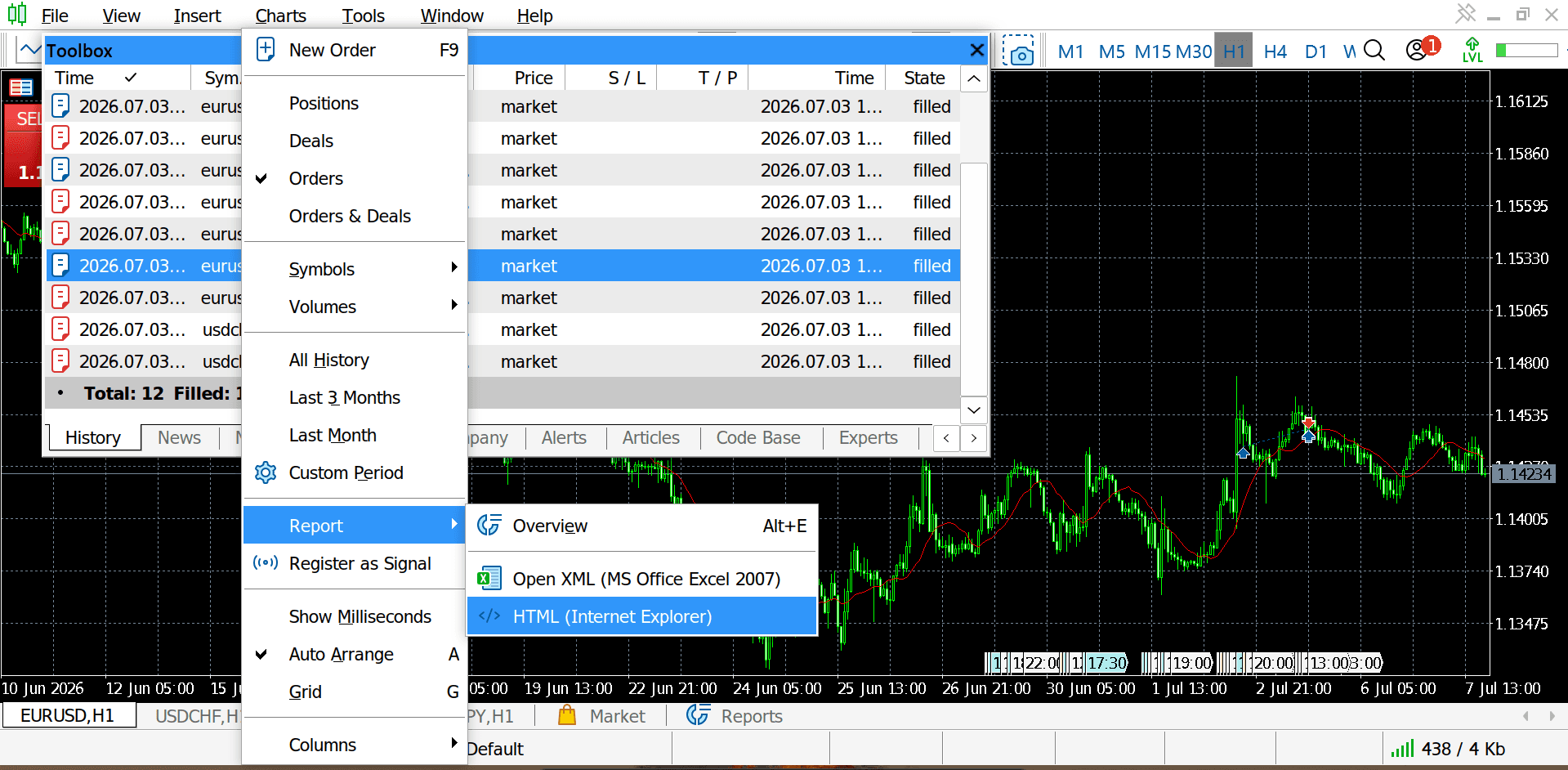
Save as Detailed Report
Right-click again and choose Save as Detailed Report. MT4 saves an HTML file — that's the one to import.
- 3
Import it into Retrace
In Retrace, go to Import and choose “MetaTrader 4 (HTML statement)” as the format, then drop in the file.
MT4 reports are position-level only: each order appears as one closed position, so partial-fill detail isn't available the way it is in MT5. Entries, exits, stop loss and take profit still chart normally.